Contract signature examples
Contract pages ask for three things: a name, a date and a mark that stays inside the line.
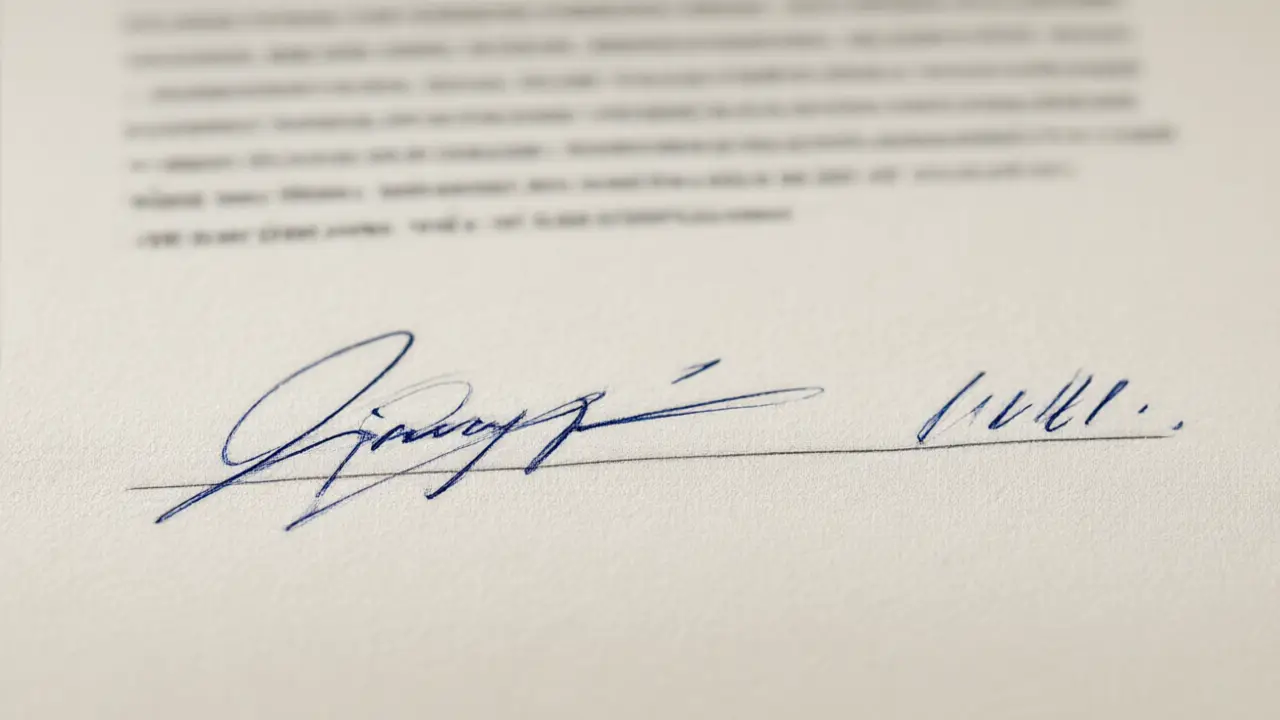
Contract signature blocks are more structured than they look: a line for the mark, a line for the printed name, often a field for the date and the role. Filling all of them is not bureaucracy, it is what makes the page readable a year later.
What the document is asking for
Before copying anything, look at the space: a printed line, a grey box, a corner. Contract signature examples make sense against that space — the same mark that looks confident on a contract can look careless when it spills out of a form field.
Initialling each page is a separate habit from signing the last one. The initials say the page was seen; the signature says the agreement was accepted, and mixing them up creates gaps that a reviewer will notice.
Read the example, not the name
What is worth stealing from any example is never the name. It is the slant, the size of the first letter, how far the line travels after the last one, and whether the writer lifted the pen at all.
Keep the mark inside the line. A signature that runs across printed text is harder to place if the pages are ever separated and rebound.
Rebuild it in your own hand
Write the shape you liked ten times with your own letters. The first three will look like an imitation, the last three like yours — and the version you can produce without slowing down is the one that belongs on a document.
You can build any of these online: open the signature generator, draw or type your name, and place the result straight onto a PDF or Word file. Nothing is uploaded — the document never leaves your device.