A handwritten signature on a PDF
Put a real handwritten mark on a PDF page without printing it first.
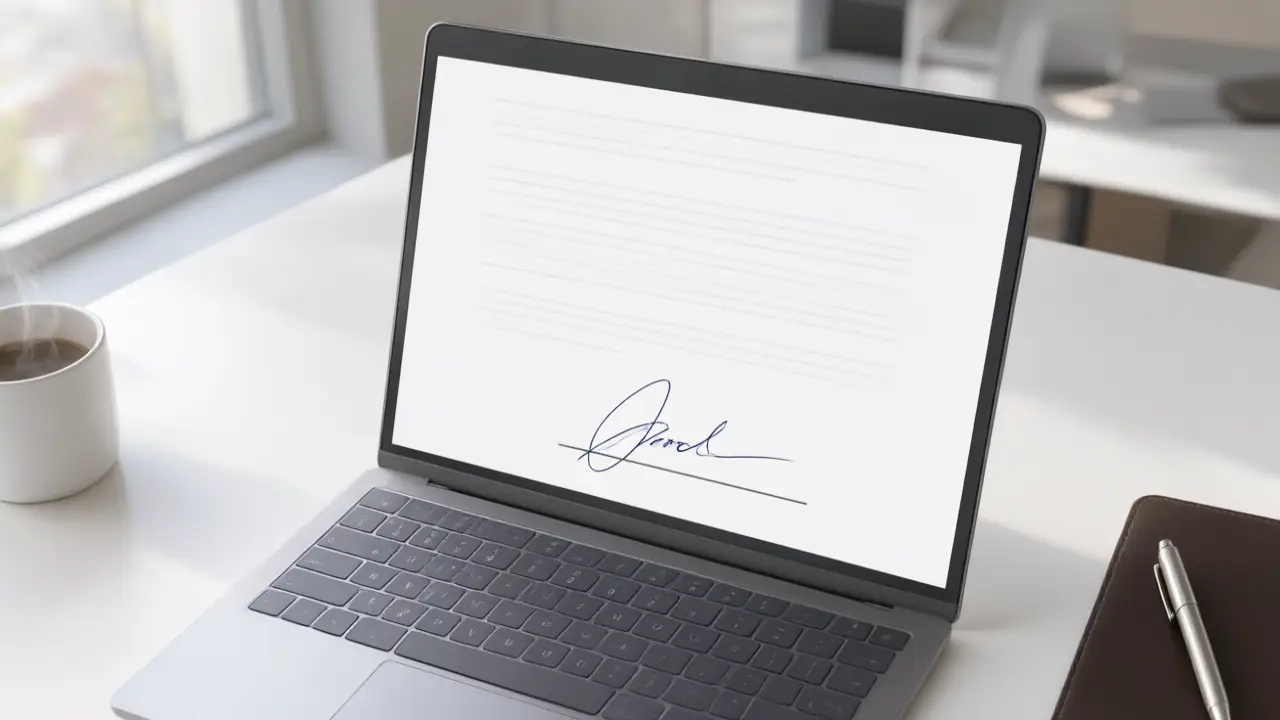
The print-sign-scan loop costs you a printer, a scanner and a generation of quality. Placing the signature directly on the page keeps the document at its original resolution and takes about a minute.
Getting the mark off the paper
Write on unlined white paper with a dark pen, photograph it straight down in daylight, and let the background be as bright as possible. A handwritten signature on a PDF start here: everything the software can do later depends on this one clean capture.
Size the mark to the signature line, not to the page, and leave a little air underneath it. A signature that is too large reads as a graphic; one that is too small looks like it was dropped in by accident.
Placing it on the document
The finished signature should be a transparent image, cropped close, sized to the signature line rather than to the page. A white rectangle around it is the single most common giveaway that a signature was pasted in.
Save a flattened copy for sending. A signature that stays a separate movable object can be dragged out of place by the next person who opens the file.
What makes it hold up
What usually matters in a dispute is not the beauty of the mark but the trail around it: who sent the file, when it was signed, from which address. The drawn signature is the visible part of a much longer record.
You can build any of these online: open the signature generator, draw or type your name, and place the result straight onto a PDF or Word file. Nothing is uploaded — the document never leaves your device.