How secure is a handwritten signature?
A drawn mark is easy to copy visually — what actually protects a document is the record built around it.
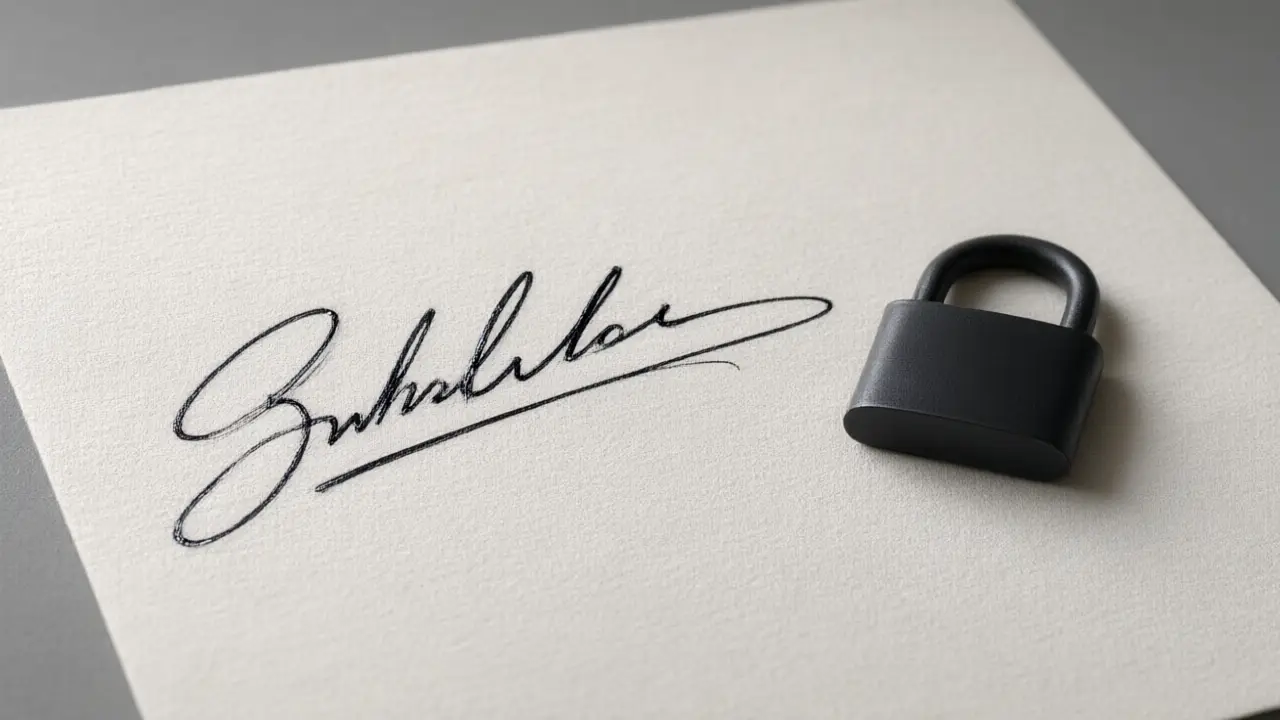
A handwritten signature, on its own, is not hard to copy — anyone can trace or redraw a simple mark from a photo. What makes a signed document trustworthy is rarely the ink itself but the trail around it: timestamps, sender identity, and whether the file was altered afterward.
Getting the mark off the paper
Write on unlined white paper with a dark pen, photograph it straight down in daylight, and let the background be as bright as possible. How secure is a handwritten signature? start here: everything the software can do later depends on this one clean capture.
This is why the same signature image, reused for every document, is not a security risk by itself. The risk is a document with no record of who placed the signature or when — the drawing is replaceable, the audit trail is not.
Placing it on the document
The finished signature should be a transparent image, cropped close, sized to the signature line rather than to the page. A white rectangle around it is the single most common giveaway that a signature was pasted in.
For documents that genuinely need stronger protection than that, look for a signing tool that logs an audit trail alongside the image rather than trying to make the drawn mark itself more elaborate or harder to copy.
What makes it hold up
What usually matters in a dispute is not the beauty of the mark but the trail around it: who sent the file, when it was signed, from which address. The drawn signature is the visible part of a much longer record.
You can build any of these online: open the signature generator, draw or type your name, and place the result straight onto a PDF or Word file. Nothing is uploaded — the document never leaves your device.