How to create an electronic signature online
Drawn, typed or scanned — three ways to end up with a reusable mark, and when each one is the right choice.
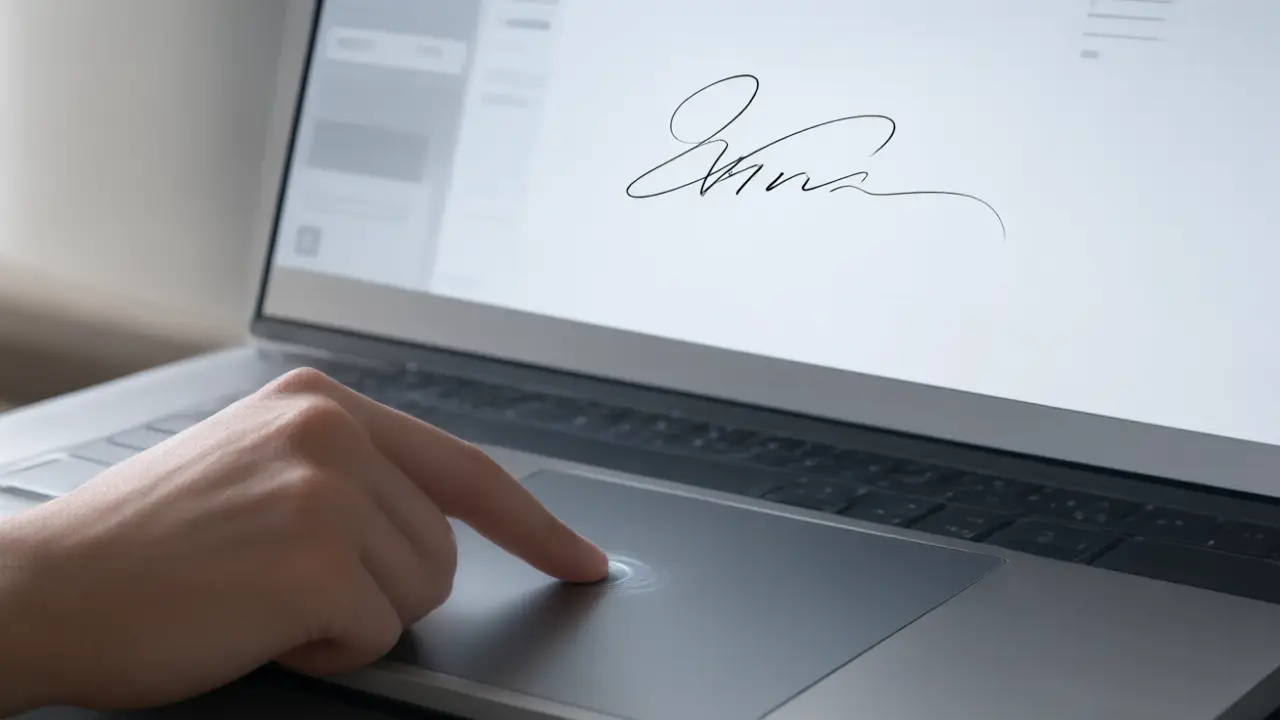
An electronic signature is any mark you apply with the intent to sign: a signature drawn with a mouse or a finger, your name set in a handwriting typeface, or a photograph of the signature you already use on paper. All three are electronic signatures, and the difference between them is practical rather than legal.
What signing online actually changes
Signing online removes the printer and the scanner, not the commitment: the mark you place still says you read the page and agreed to it. How to create an electronic signature online starts there, because every technical step below exists only to carry the same intent a pen carried on paper.
Drawing gives the most personal result and the one closest to your paper signature, especially on a touchscreen where the hand moves the way it does with a pen. With a mouse it takes a few attempts — sign faster than feels comfortable, because slow lines wobble in a way that no amount of care ever corrects.
Get the file ready before you sign
Open the final version rather than the draft somebody is still editing, and check that every page and annex is present. Most signing problems are not signature problems at all — they are the wrong file, a missing page, or a scan so dark that nobody can read the clause the signature sits under.
Typing is the fastest route and the most consistent, which is why it suits internal approvals, forms and low-stakes paperwork. Scanning is the right call when the mark has to match something already on file: an identity document, a bank mandate, an earlier contract signed on paper by the same hand.
Put the mark where the document expects it
A signature belongs on the signature line, sized to that line rather than to the page. Too large and the page looks tampered with; pasted as a white rectangle over the text and every reader can see it was dropped in. A close crop with a transparent background is the whole difference between a signed document and an edited one.
Whichever you pick, save it once and reuse it. A signature redrawn from scratch on every document is a little different every time, and a mark that never looks the same twice is exactly the one that invites a question. Keep one clean version with a transparent background and stop starting over.
Keep the copy that answers questions later
Save the signed file under a name that says what it is and when it was agreed, and keep the message you sent it with. When an agreement is questioned, the argument is almost never about how the signature looked — it is about which version was signed and when, and that is a filing habit rather than a drawing skill.
You can build any of these online: open the signature generator, draw or type your name, and place the result straight onto a PDF or Word file. Nothing is uploaded — the document never leaves your device.