How to sign a document on your phone
The screen you already carry is the best signing surface you own — as long as you fix the size before you draw.
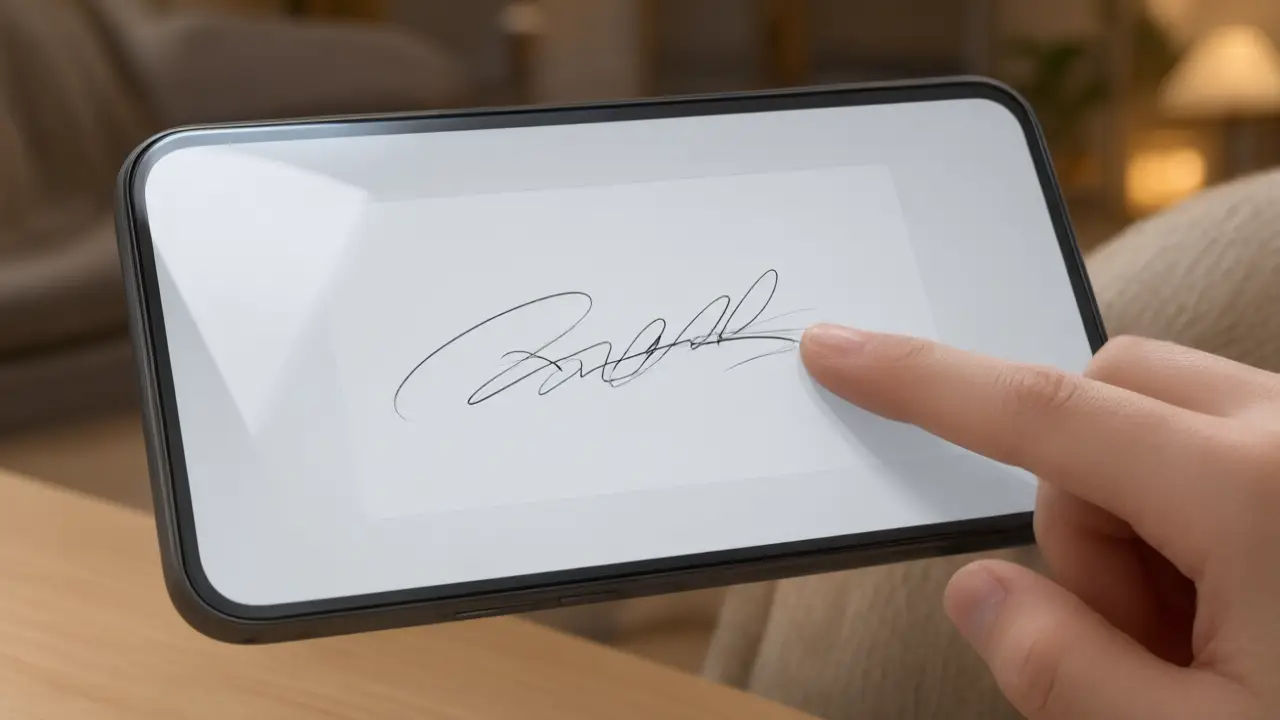
A phone is the closest thing to paper most people carry. Your finger moves the way your hand does, so a signature drawn on a touchscreen usually looks far more like your real one than anything produced with a mouse. For a document that arrives while you are away from a desk, signing on the phone is not a compromise.
What signing online actually changes
Signing online removes the printer and the scanner, not the commitment: the mark you place still says you read the page and agreed to it. How to sign a document on your phone starts there, because every technical step below exists only to carry the same intent a pen carried on paper.
The common mistake is signing small. A mark drawn inside a narrow box becomes a thin scratch once it is placed on a full page, so draw large: use the whole width of the screen, let the strokes be generous, and let the software scale the result down to the signature line afterwards.
Get the file ready before you sign
Open the final version rather than the draft somebody is still editing, and check that every page and annex is present. Most signing problems are not signature problems at all — they are the wrong file, a missing page, or a scan so dark that nobody can read the clause the signature sits under.
Turn the phone sideways before you start. Landscape gives the stroke room to travel, which is what makes a signature look written rather than cramped, and it stops the last few letters compressing against the edge the way they do in portrait.
Put the mark where the document expects it
A signature belongs on the signature line, sized to that line rather than to the page. Too large and the page looks tampered with; pasted as a white rectangle over the text and every reader can see it was dropped in. A close crop with a transparent background is the whole difference between a signed document and an edited one.
Sign the document straight from the page. A signing tool on the web page places your signature without asking for the contacts, storage and notification permissions a mobile app asks for, and the file never leaves the phone — which, for a contract that arrived by email, is the entire point.
Keep the copy that answers questions later
Save the signed file under a name that says what it is and when it was agreed, and keep the message you sent it with. When an agreement is questioned, the argument is almost never about how the signature looked — it is about which version was signed and when, and that is a filing habit rather than a drawing skill.
You can build any of these online: open the signature generator, draw or type your name, and place the result straight onto a PDF or Word file. Nothing is uploaded — the document never leaves your device.