How to sign a Word document online
Word files reflow as they move between machines, so a signature has to be anchored rather than dropped in.
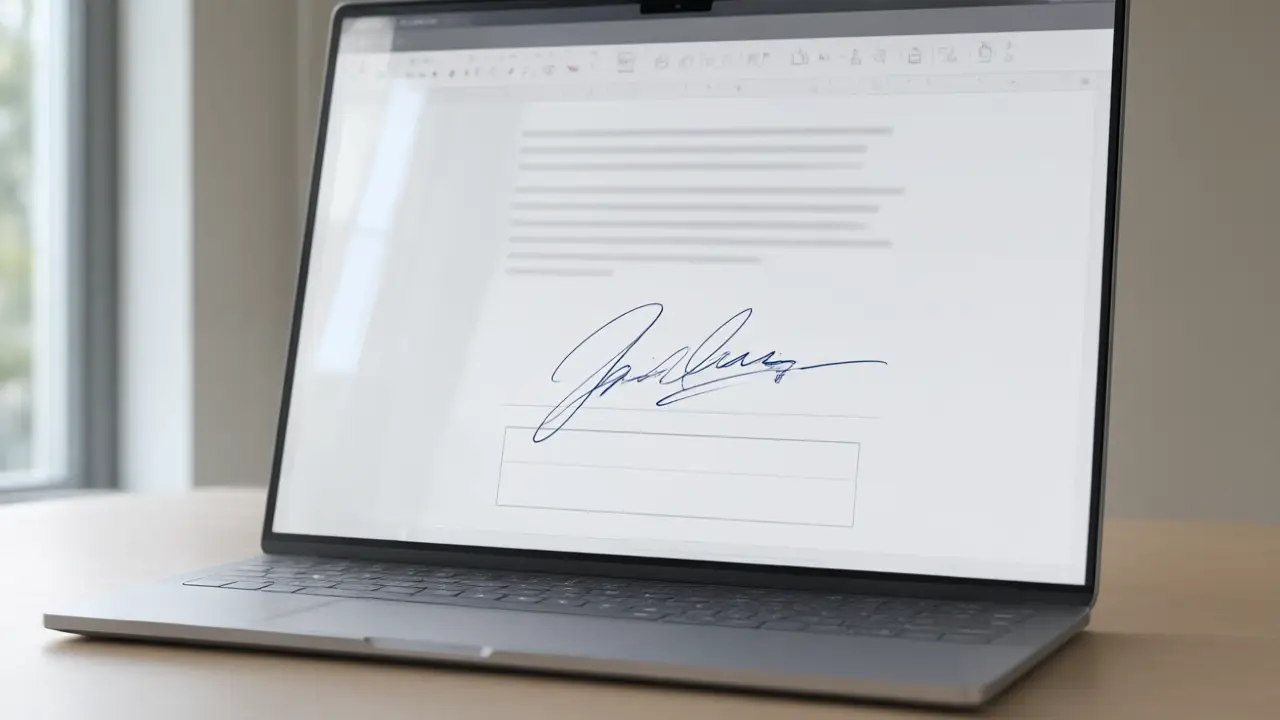
Word documents are still the default for offer letters, internal approvals and anything a lawyer expects to edit before it is final. Signing one online means opening the file, placing your signature image at the signature block, and saving a version that everyone downstream sees the same way you do.
What signing online actually changes
Signing online removes the printer and the scanner, not the commitment: the mark you place still says you read the page and agreed to it. How to sign a Word document online starts there, because every technical step below exists only to carry the same intent a pen carried on paper.
The catch is that Word reflows. A picture sitting perfectly on your screen can move half a page when somebody opens the file with different fonts installed, which is how a signature ends up floating above a heading in the recipient copy. Anchoring the image to the paragraph it belongs to, rather than letting it float on the page, keeps it where you put it.
Get the file ready before you sign
Open the final version rather than the draft somebody is still editing, and check that every page and annex is present. Most signing problems are not signature problems at all — they are the wrong file, a missing page, or a scan so dark that nobody can read the clause the signature sits under.
For anything final, send the PDF. Export the signed file before it leaves your machine and the layout stops being negotiable: fonts are embedded, the signature stays on its line, and nobody can edit the clause above it by accident while scrolling through on a phone.
Put the mark where the document expects it
A signature belongs on the signature line, sized to that line rather than to the page. Too large and the page looks tampered with; pasted as a white rectangle over the text and every reader can see it was dropped in. A close crop with a transparent background is the whole difference between a signed document and an edited one.
Keep the editable copy anyway. If a term changes during negotiation you will want it back, and re-signing takes seconds when your signature is already saved as a transparent image instead of something you redraw for every revision.
Keep the copy that answers questions later
Save the signed file under a name that says what it is and when it was agreed, and keep the message you sent it with. When an agreement is questioned, the argument is almost never about how the signature looked — it is about which version was signed and when, and that is a filing habit rather than a drawing skill.
You can build any of these online: open the signature generator, draw or type your name, and place the result straight onto a PDF or Word file. Nothing is uploaded — the document never leaves your device.