How to sign a PDF online
PDF holds its layout wherever it travels, which is exactly why the signature has to land at the right place and the right size.
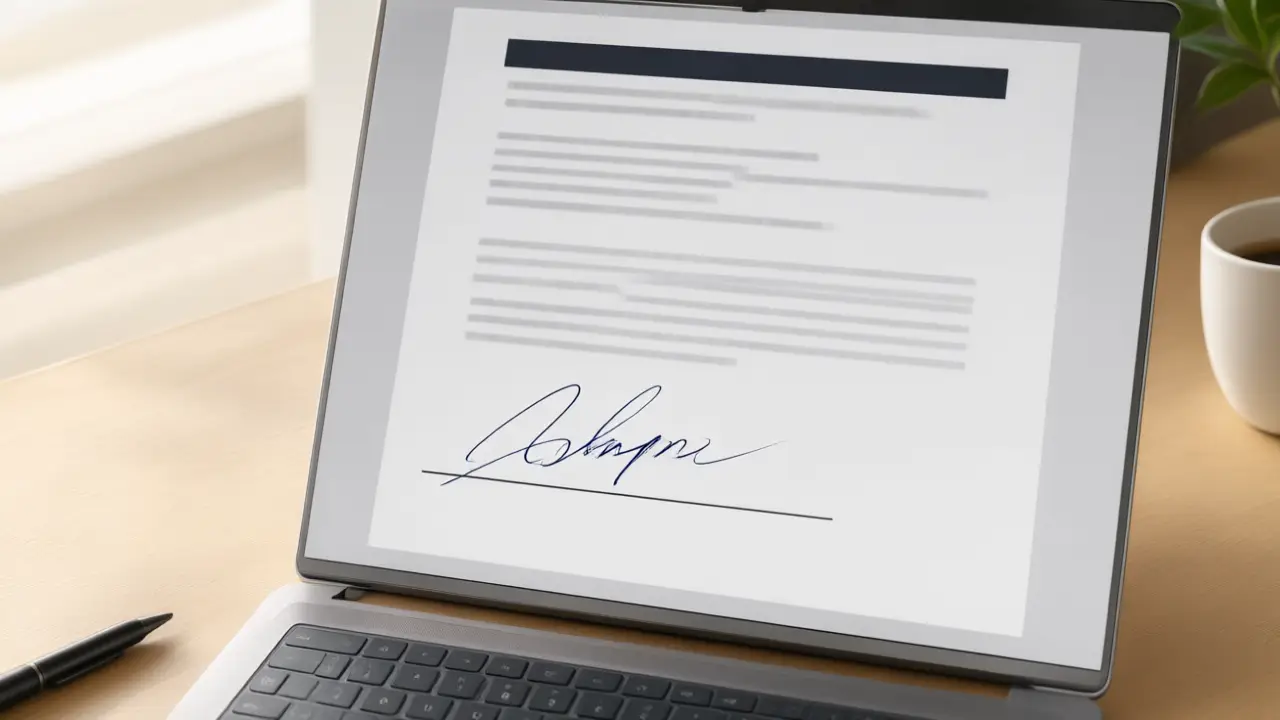
A PDF is signed rather than edited: the page stays exactly as its author laid it out and your mark is added on top of it at a fixed position. That is why contracts travel as PDFs — the sender knows the page the recipient opens is the page they wrote, down to the line break and the page number.
What signing online actually changes
Signing online removes the printer and the scanner, not the commitment: the mark you place still says you read the page and agreed to it. How to sign a PDF online starts there, because every technical step below exists only to carry the same intent a pen carried on paper.
The practical work is small. Open the file, find the signature line, place a transparent image of your signature over it, add the date if the document asks for one, and export. Anything that changes the underlying text is no longer signing; it is amending, and it shows the moment somebody compares the two versions.
Get the file ready before you sign
Open the final version rather than the draft somebody is still editing, and check that every page and annex is present. Most signing problems are not signature problems at all — they are the wrong file, a missing page, or a scan so dark that nobody can read the clause the signature sits under.
Size and placement do more work here than beauty. A signature that overlaps the printed name, spills into the margin or stands at twice the height of the line reads as careless even when it is completely genuine. Match the height of the mark to the line beneath it, and leave the printed name and title readable.
Put the mark where the document expects it
A signature belongs on the signature line, sized to that line rather than to the page. Too large and the page looks tampered with; pasted as a white rectangle over the text and every reader can see it was dropped in. A close crop with a transparent background is the whole difference between a signed document and an edited one.
Export once, then check before sending. Reopen the finished PDF, scroll to the page you signed, and confirm the mark is where you left it and the rest of the document is untouched. Two seconds there saves the round trip that starts with an email saying the signature came through blank.
Keep the copy that answers questions later
Save the signed file under a name that says what it is and when it was agreed, and keep the message you sent it with. When an agreement is questioned, the argument is almost never about how the signature looked — it is about which version was signed and when, and that is a filing habit rather than a drawing skill.
You can build any of these online: open the signature generator, draw or type your name, and place the result straight onto a PDF or Word file. Nothing is uploaded — the document never leaves your device.