How to sign a document online for free
The whole path from an unsigned file to a signed one — draw your signature, place it on the page and save the signed document.
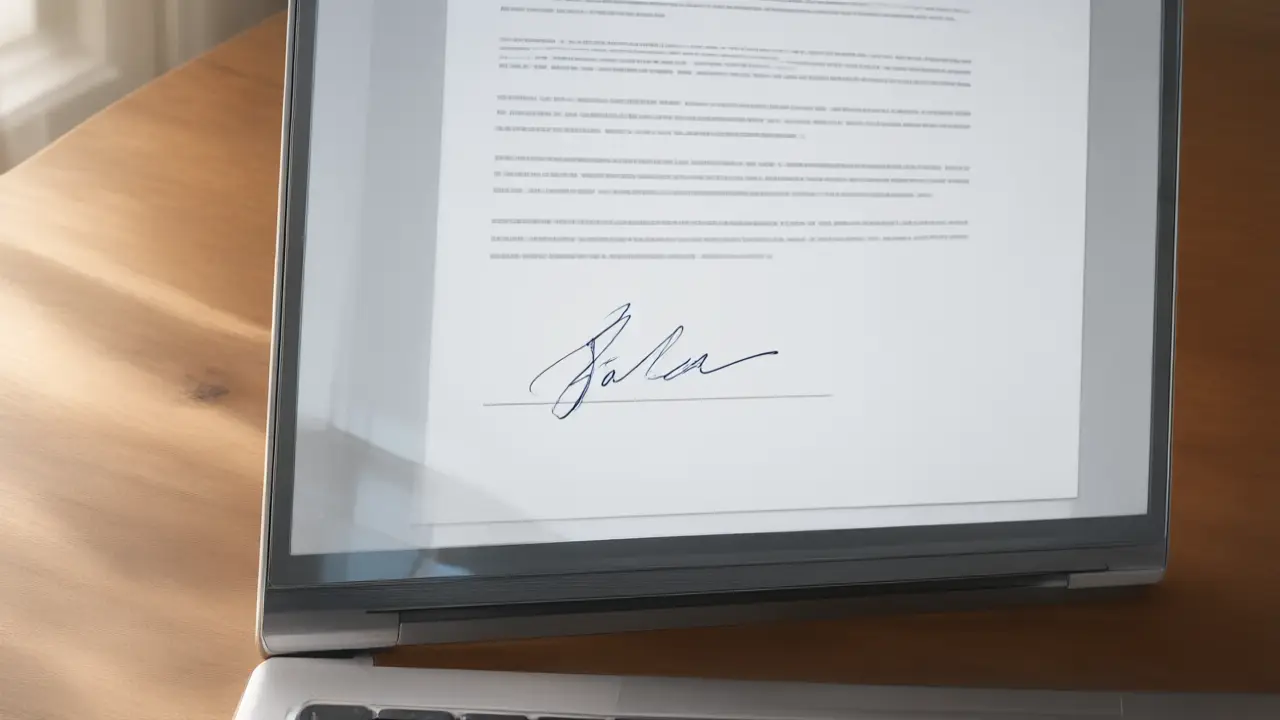
Signing a document online for free is realistic for the paperwork most people actually handle: a rental agreement, a consent form, an offer letter, a supplier contract. What you need is a way to produce your own mark and a way to place it on the page — not a platform with seats, approval workflows and per-envelope pricing built for legal teams sending thousands of documents a month.
What signing online actually changes
Signing online removes the printer and the scanner, not the commitment: the mark you place still says you read the page and agreed to it. How to sign a document online for free starts there, because every technical step below exists only to carry the same intent a pen carried on paper.
The free route that survives scrutiny is the one that keeps the file on your device. A signing tool that draws the signature and writes it into the document on your own device never sends the contract anywhere, which means there is no retention policy to read and no account quietly holding a copy of a document that was only ever meant for two people.
Get the file ready before you sign
Open the final version rather than the draft somebody is still editing, and check that every page and annex is present. Most signing problems are not signature problems at all — they are the wrong file, a missing page, or a scan so dark that nobody can read the clause the signature sits under.
Watch for the second step. Plenty of tools let you sign for free and then ask for a card before the download, so the real test is not what the landing page promises but whether the finished file lands in your downloads folder. Try it once on a document that does not matter, before you need it under time pressure with someone waiting.
Put the mark where the document expects it
A signature belongs on the signature line, sized to that line rather than to the page. Too large and the page looks tampered with; pasted as a white rectangle over the text and every reader can see it was dropped in. A close crop with a transparent background is the whole difference between a signed document and an edited one.
Free is enough until you need a trail. When a counterparty asks for identity verification, an audit log or a certificate embedded in the file, that is a different product and worth paying for. The vast majority of everyday documents are signed, returned and filed without anyone ever asking for any of it.
Keep the copy that answers questions later
Save the signed file under a name that says what it is and when it was agreed, and keep the message you sent it with. When an agreement is questioned, the argument is almost never about how the signature looked — it is about which version was signed and when, and that is a filing habit rather than a drawing skill.
You can build any of these online: open the signature generator, draw or type your name, and place the result straight onto a PDF or Word file. Nothing is uploaded — the document never leaves your device.